

Fix MySQL Error 1215
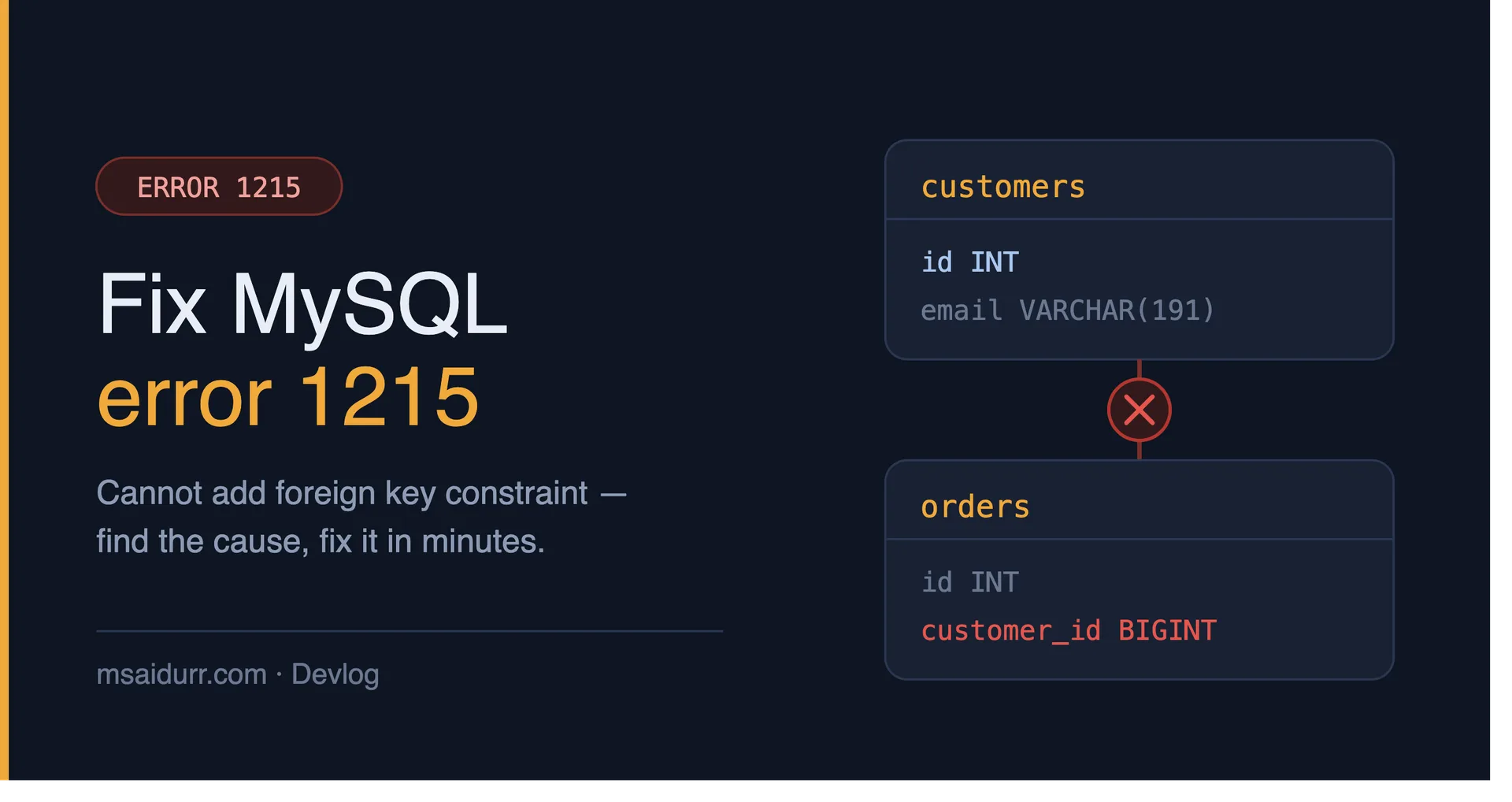
I've been working with MySQL for years, but I still remember the frustration I felt when I first encountered error 1215. It's a tricky issue to solve, especially for beginners. In this post, I'll walk you through the steps to identify and fix MySQL error 1215 with foreign key constraints.
What is MySQL Error 1215?
MySQL error 1215 occurs when you try to create a foreign key constraint that references a non-unique key in the parent table. This can happen when you're trying to establish a relationship between two tables, but the primary key or unique key in the parent table is not properly defined.
Causes of Error 1215
There are several reasons why you might encounter error 1215. Here are some common causes:
- Non-unique key in the parent table
- Missing primary key or unique key in the parent table
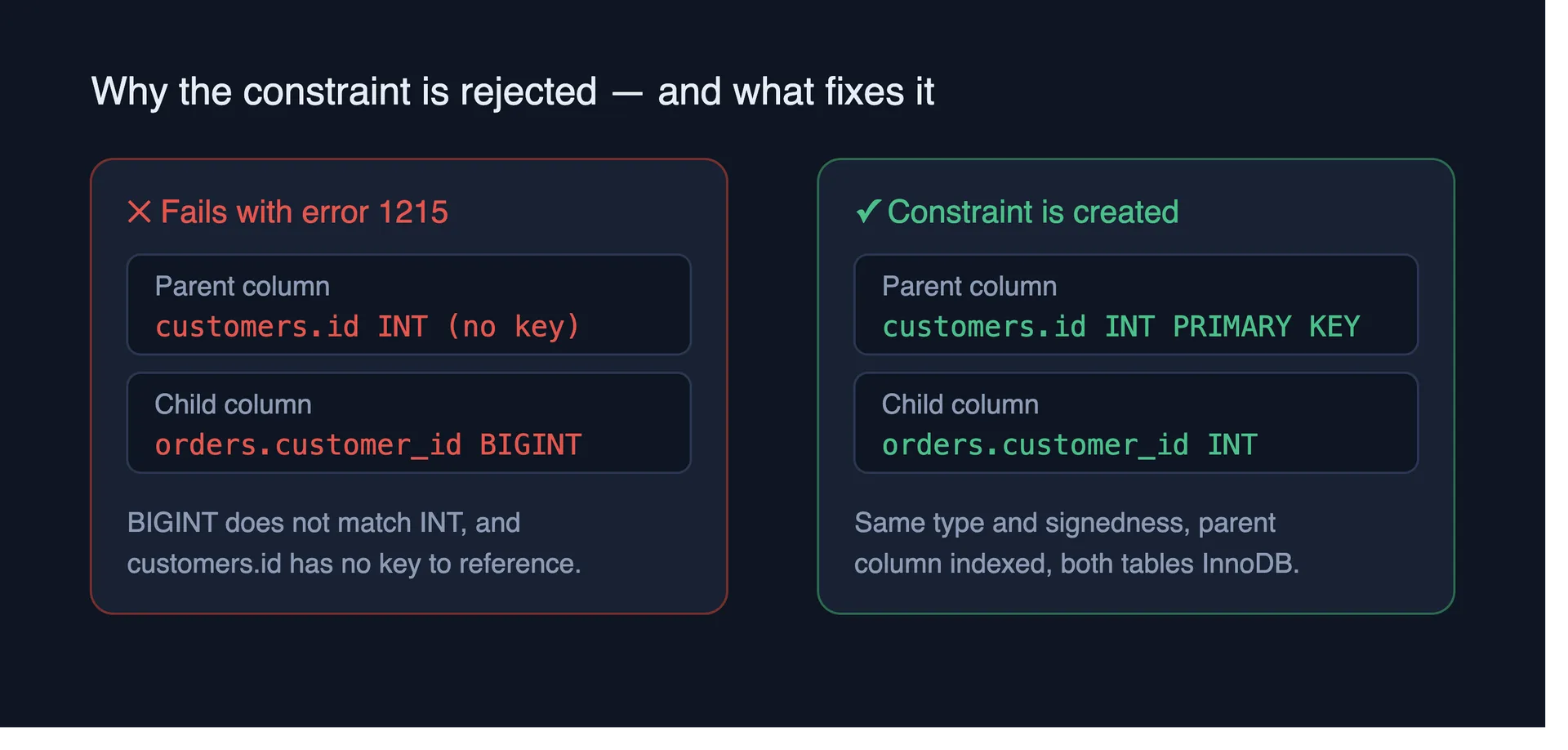
- Incorrect data type for the foreign key column
How to Fix Error 1215
To fix error 1215, you need to identify the root cause of the issue and then take corrective action. Here are the steps to follow:
- Check the parent table for a primary key or unique key
- Verify that the data type of the foreign key column matches the data type of the referenced column
- Create a unique key or primary key in the parent table if it's missing
CREATE TABLE orders (
         id INT PRIMARY KEY,
         customer_id INT,
         FOREIGN KEY (customer_id) REFERENCES customers(id)
      );
By following these steps, you should be able to identify and fix the issue causing error 1215. Remember to always verify the data types and key constraints in your tables to avoid this error.
Conclusion
Error 1215 can be frustrating, but it's relatively easy to fix once you understand the cause. By following the steps outlined in this post, you'll be able to identify and fix the issue and get back to developing your application.
Comments
Be the first to comment.